Streaming device compatibility: what to check before you subscribe
“Works on smart TVs” tells you very little. Two televisions of the same brand can be in completely different positions. With four details about your device you get a firm answer instead of a guess.
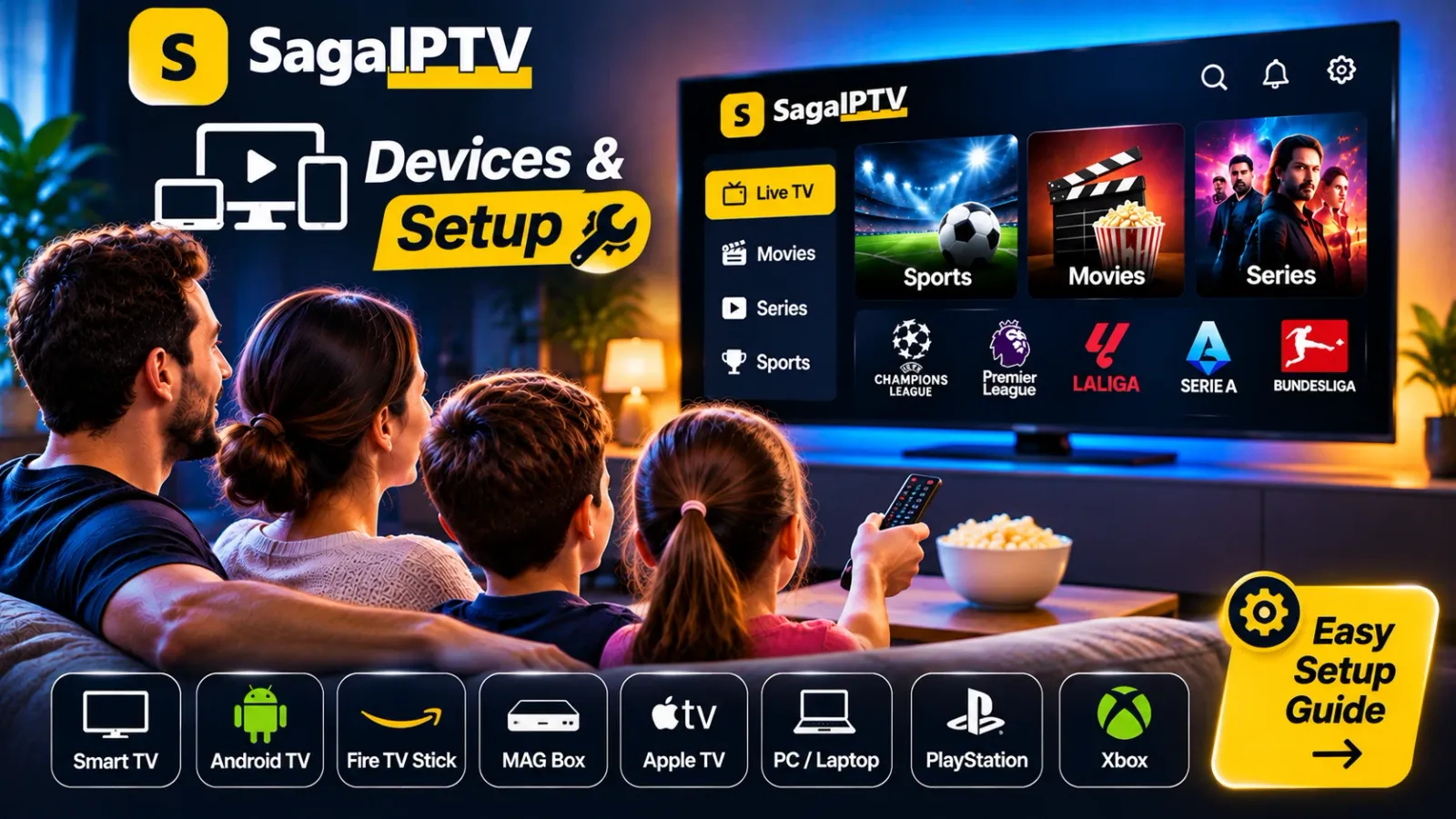
Four details you need
1. The exact model
The brand is not enough. Find the model designation – a combination of letters and numbers – on the label on the back or in the menu. On most TVs it is in the settings under support or “about”.
2. Operating system and version
Smart TVs run different systems depending on the manufacturer, and media boxes have their own. The version decides which apps can be installed. Update first, then note the version number.
3. App support
Is the app the provider uses available in the device’s official app store? Search the store before you pay. If you cannot find it, the device is probably not supported – whatever a general list on the internet may claim.
4. Region
The selection in app stores differs from country to country. A device bought abroad or set to another country may show a different range from one set up locally.
Where to find the details
| Device | Where to find model and version |
|---|---|
| Smart TV | Settings → Support or About |
| Android TV / Google TV | Settings → System → About |
| Fire TV | Settings → My Fire TV → About |
| Phone and tablet | Settings → About phone / General → About |
| Computer | System settings, under About |
There are separate guides for Samsung Smart TV, Android TV and Amazon Fire TV.
Questions for the provider
- Is my model supported with this software version?
- Which app do I use, and where do I download it?
- Does the app cost anything?
- What do I do if the app is not in my store?
- How may one account be used on several devices?
Ask for the answers in writing. Then you have something to point to if the device turns out not to work after all.
Buying a new device?
Reverse the order: ask the provider first, buy second. Check the shop’s return policy too, so you can take the device back if it does not match the answer you were given.
Check with SagaIPTV
Send us the brand, model and software version through the Devices page. You get an answer before you decide on a package.